
3D virtual science labs for schools
Step inside a real chemistry, physics and biology lab.
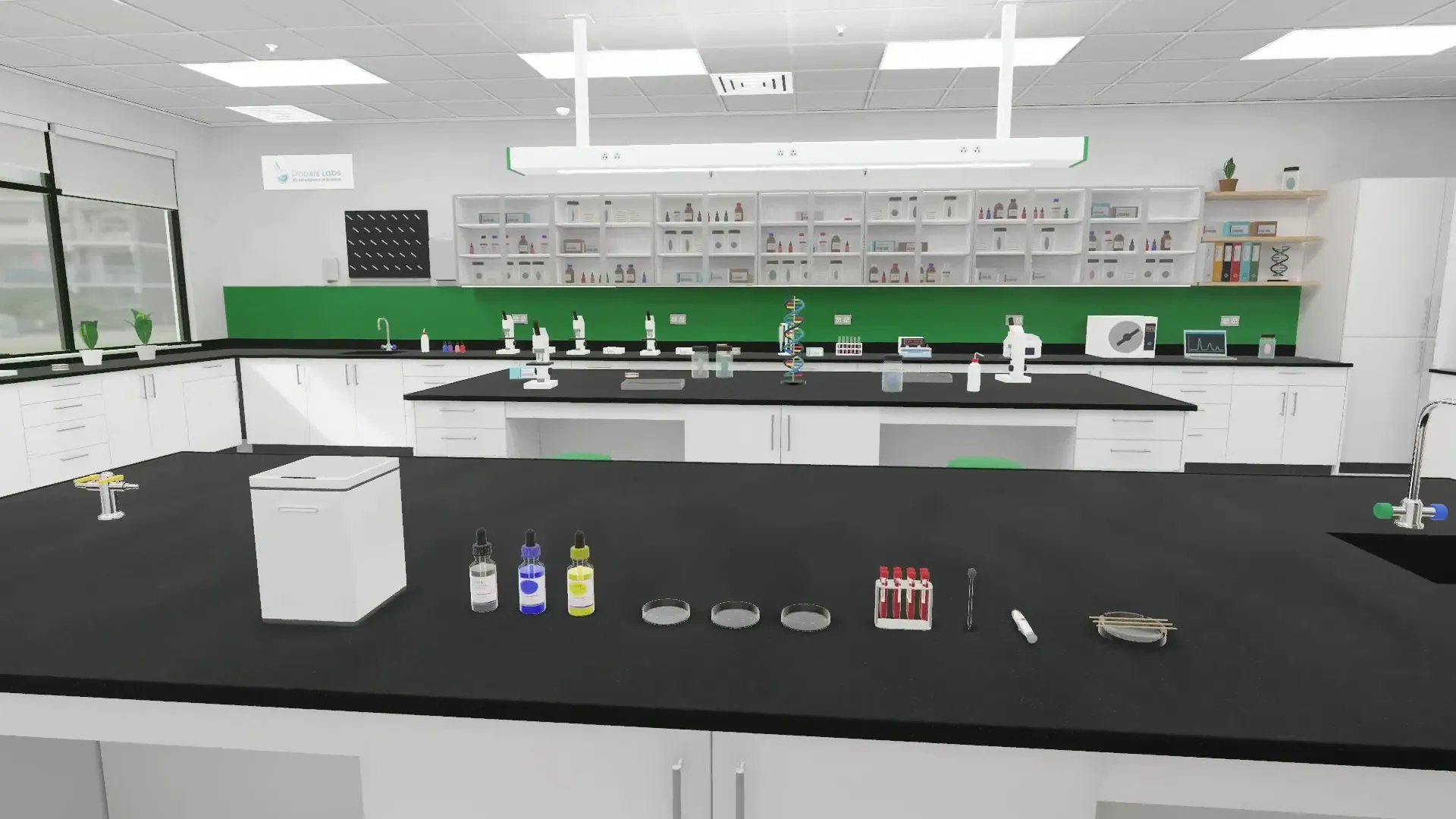
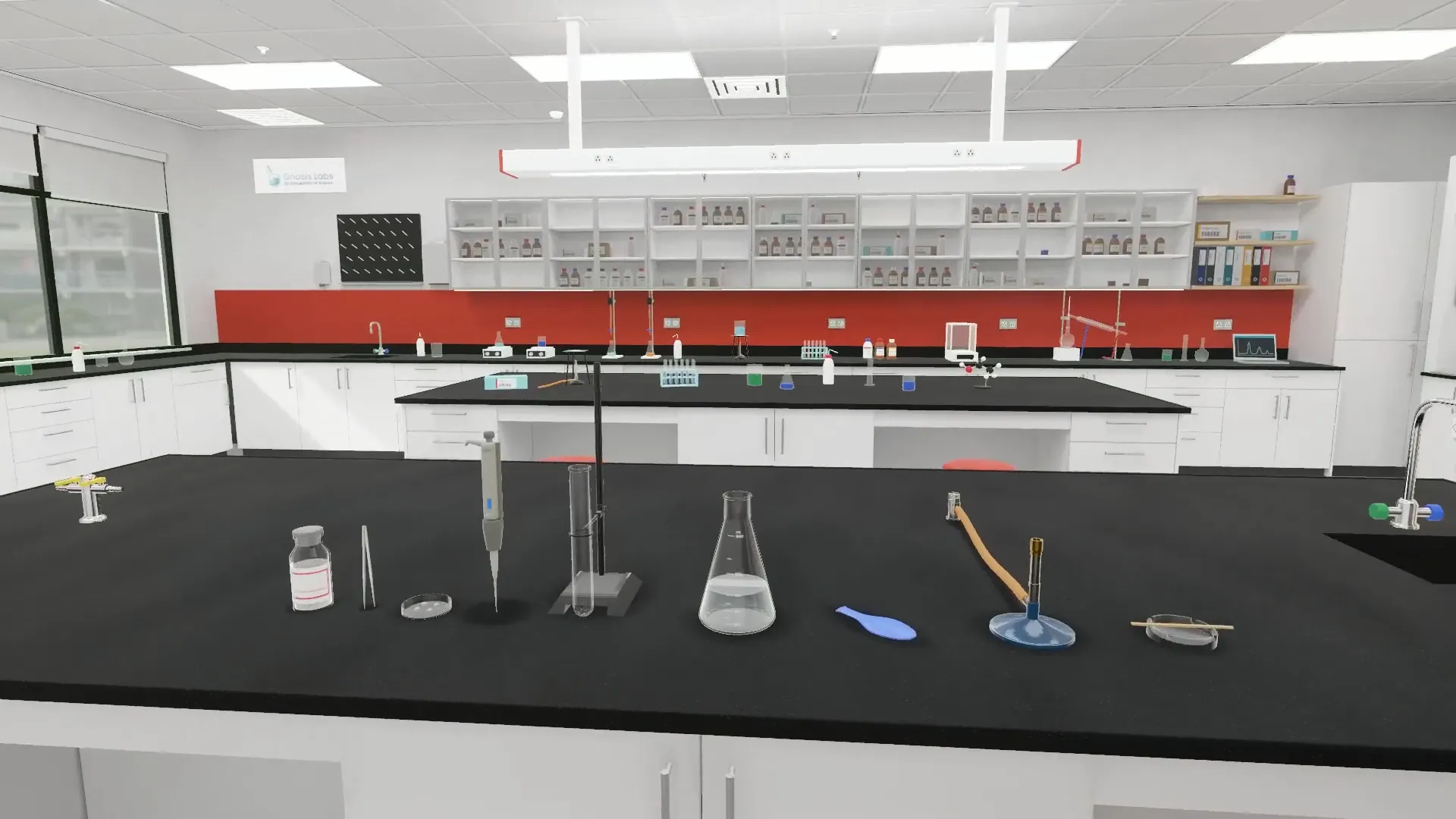
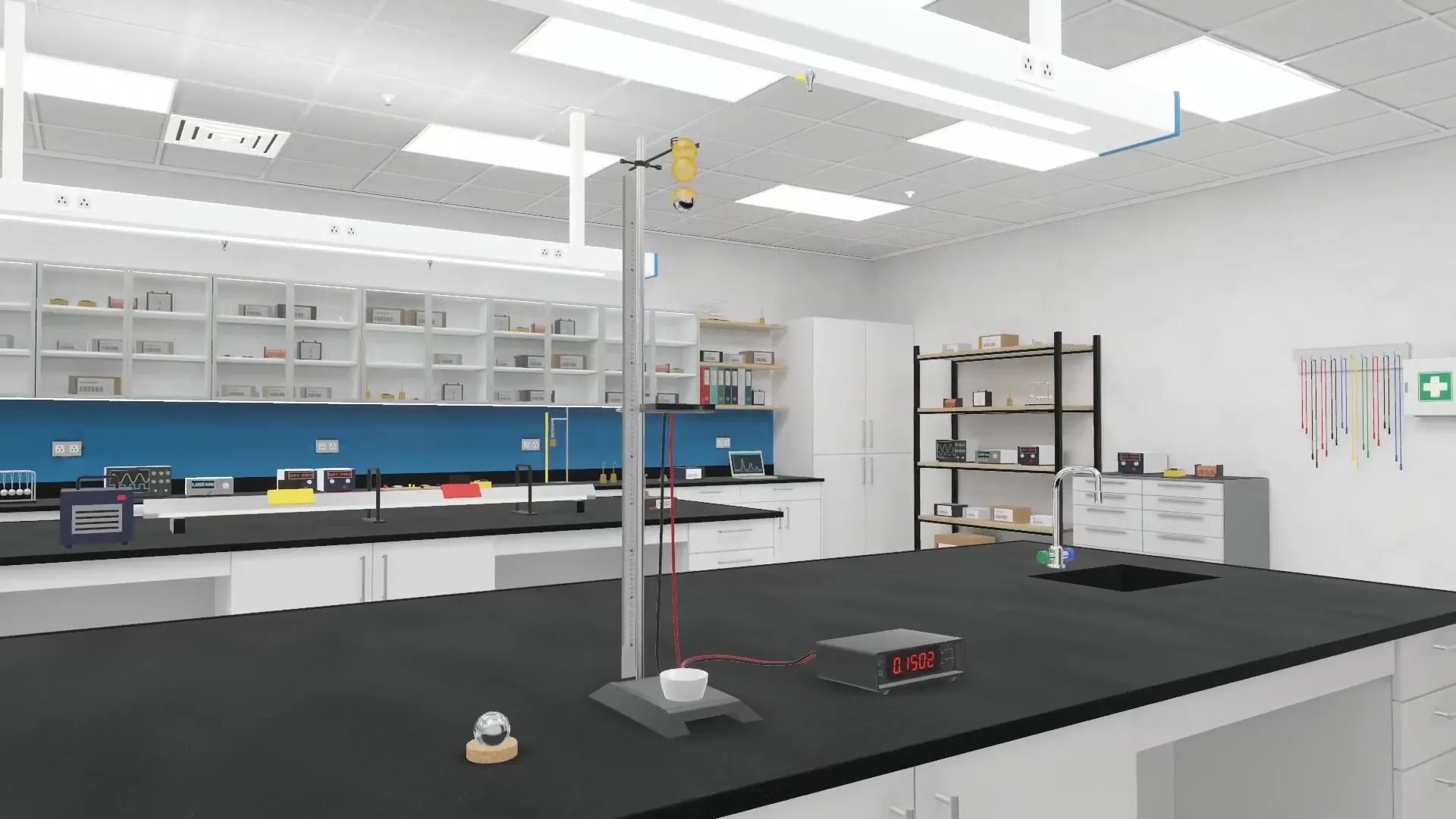
Scroll, and you're at the bench — the same view a student gets in the app.
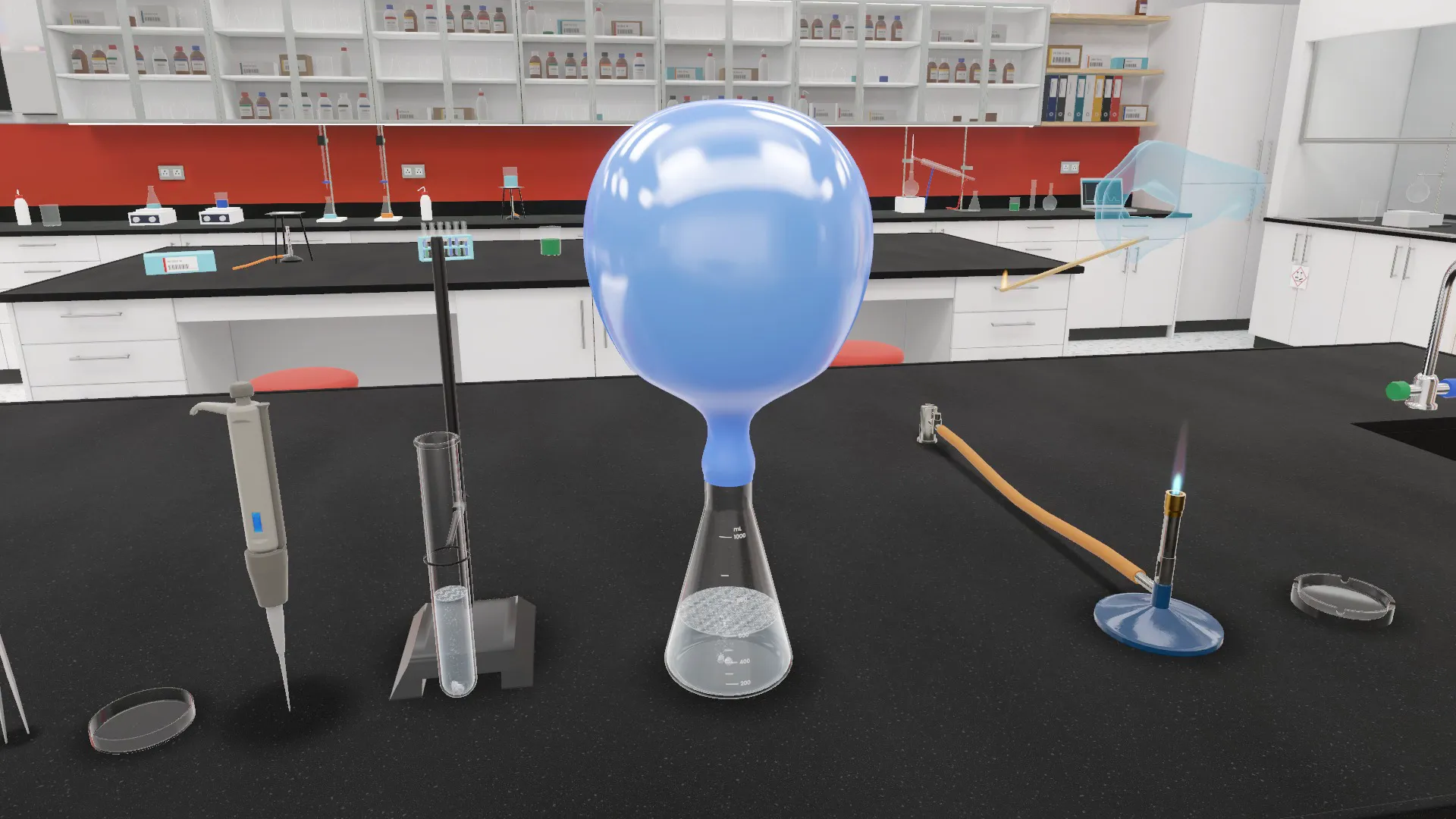
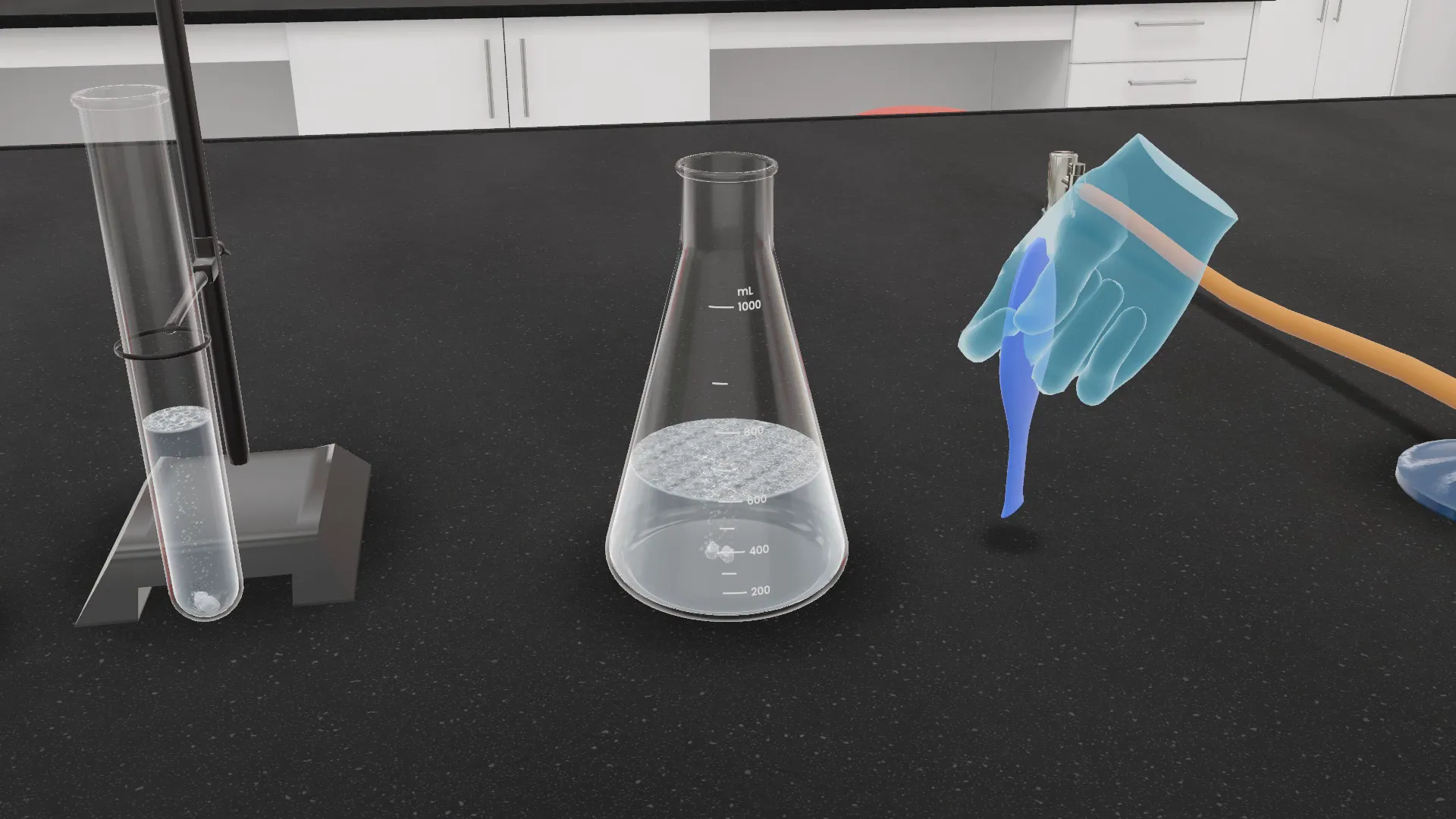
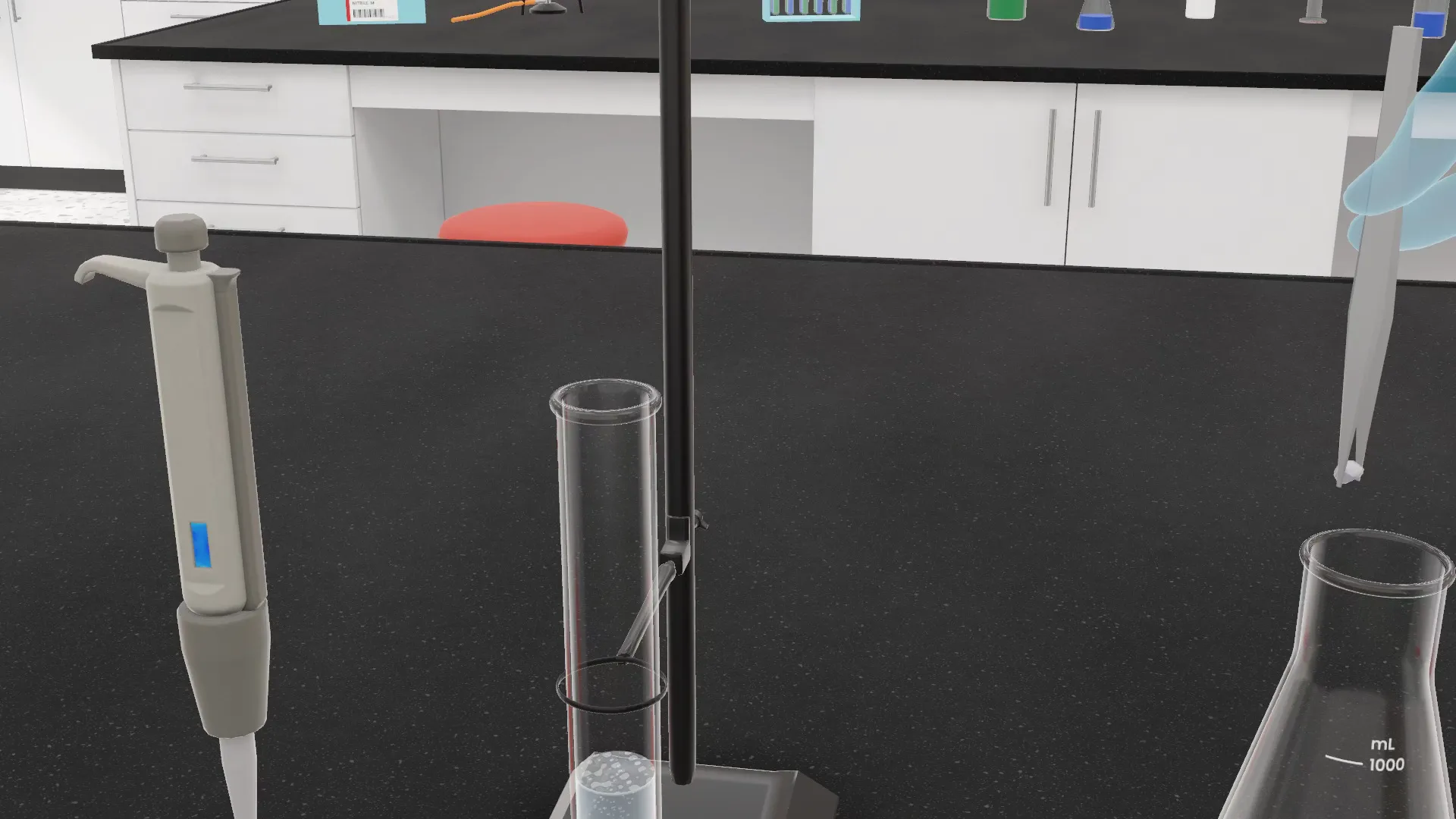
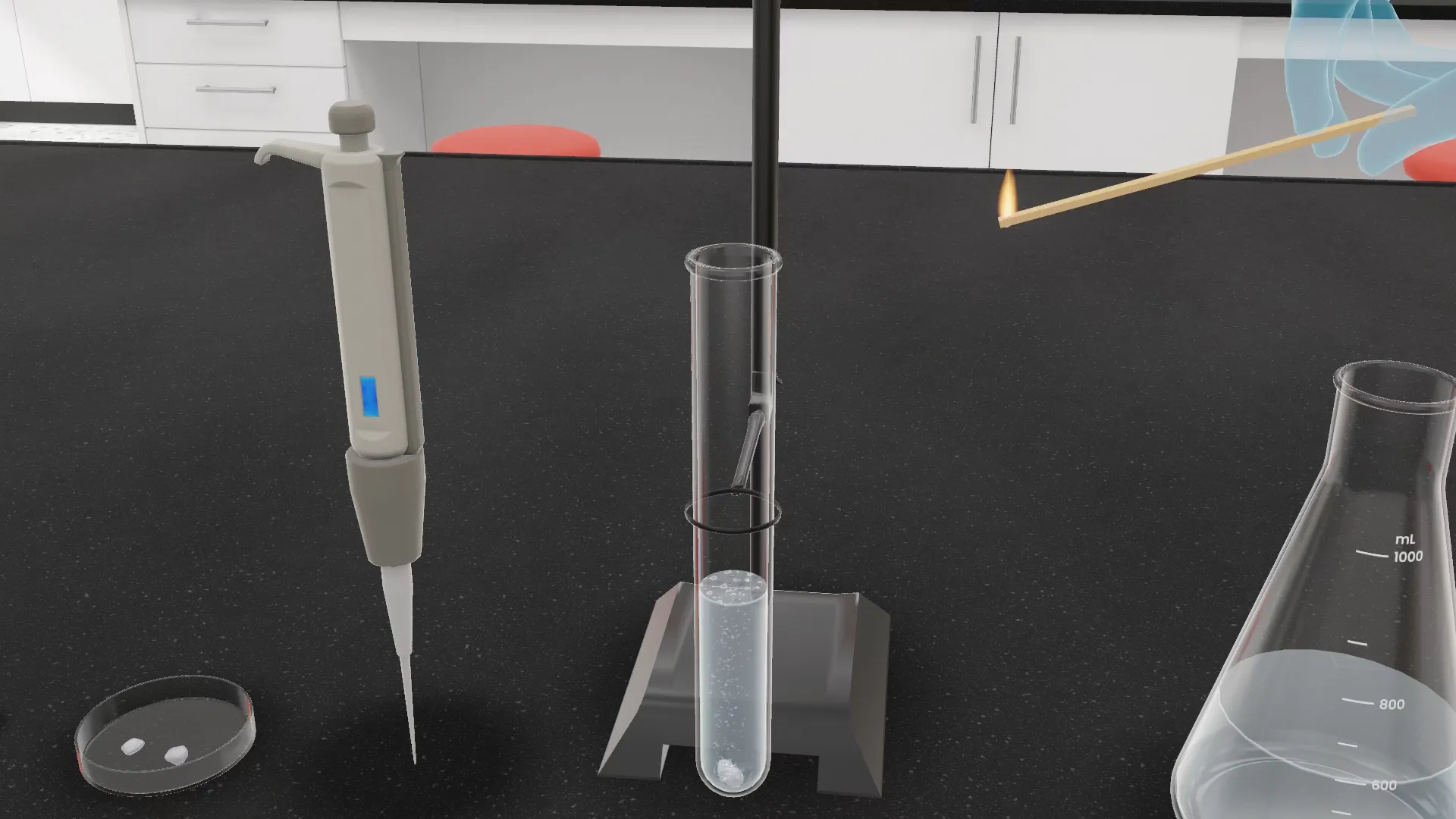
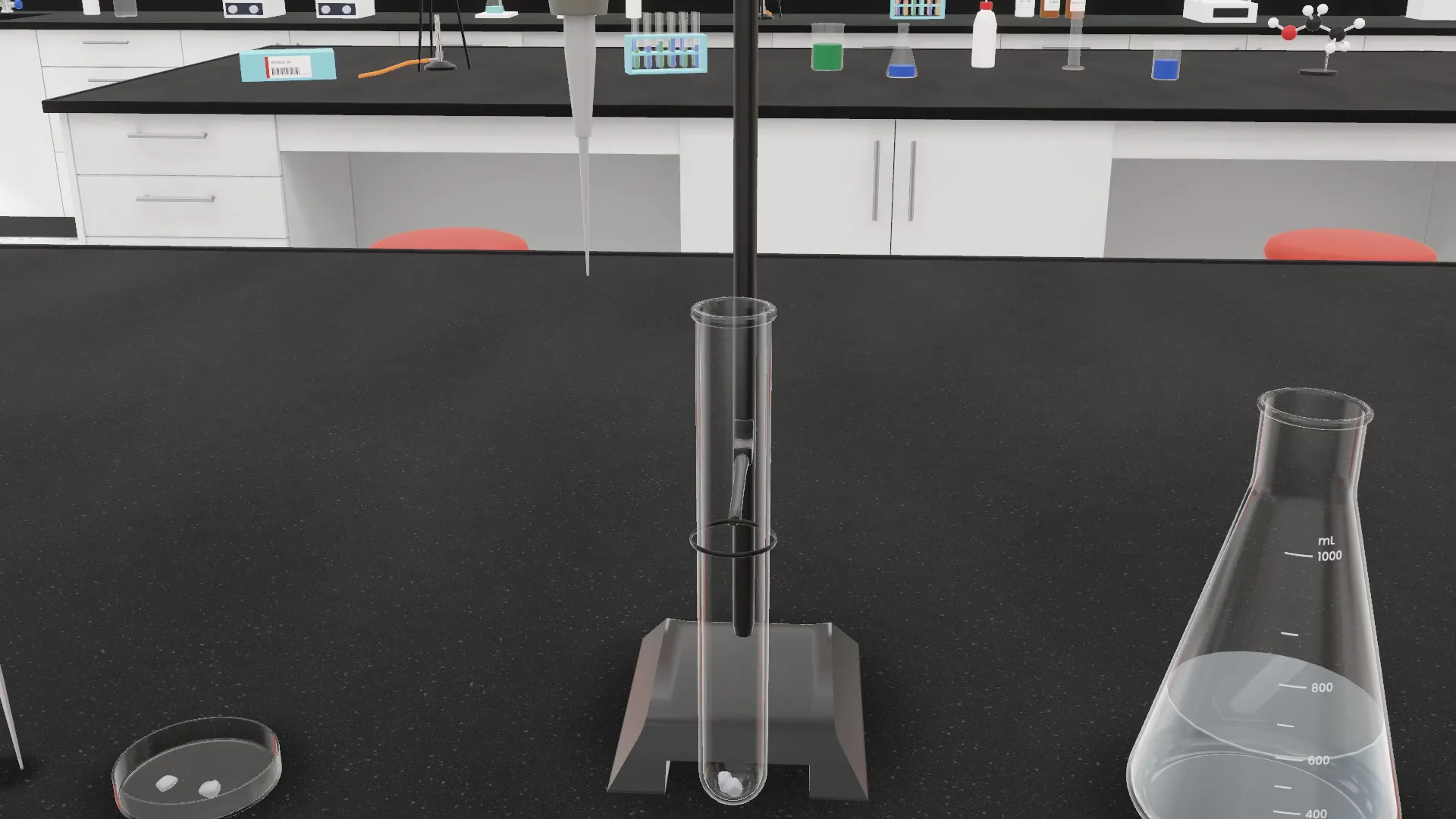
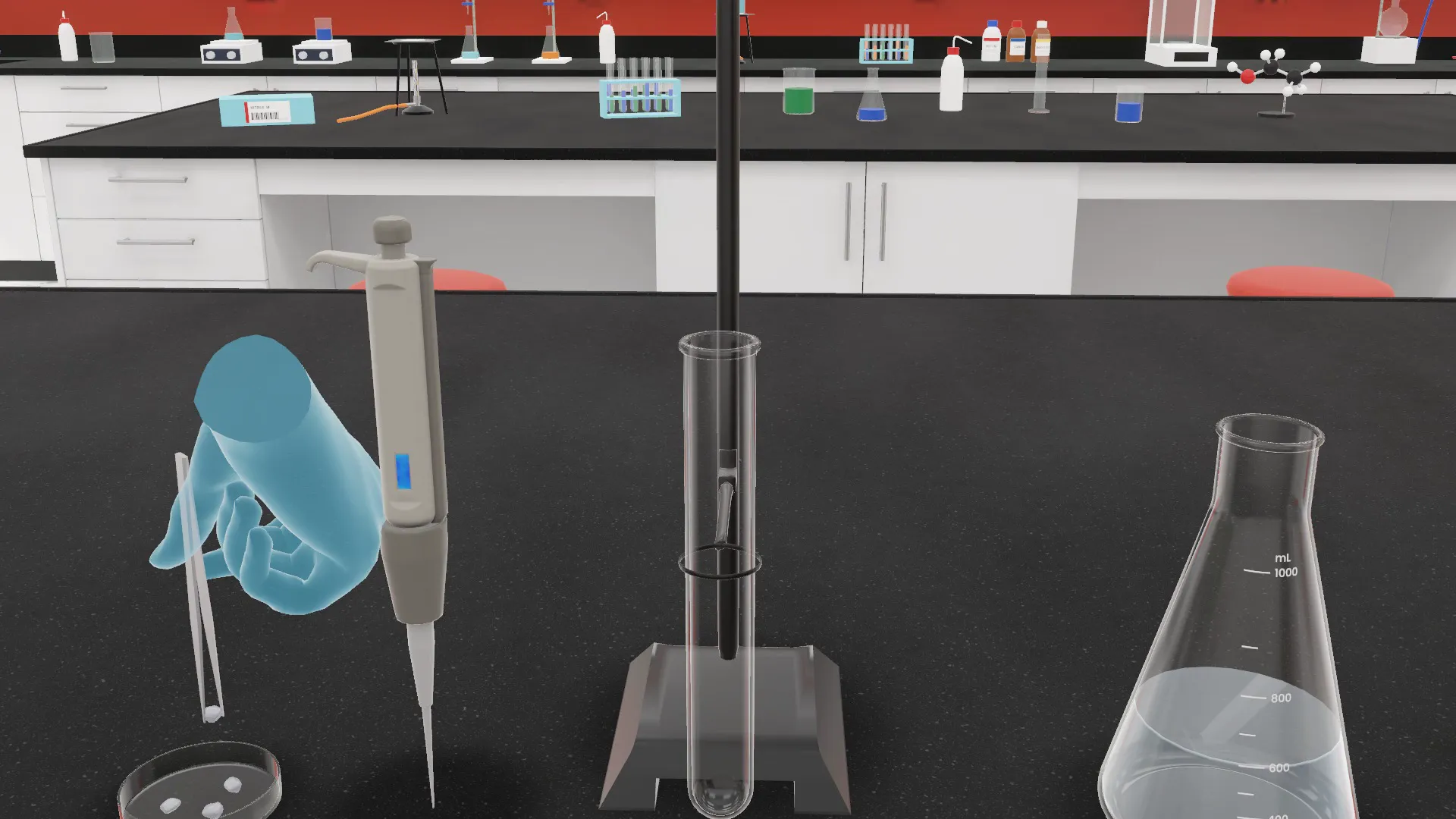
Reaction of metals with hydrochloric acid
Place two pieces of zinc in the test tube.
Zinc is a metal: grey and solid. By itself in the tube nothing happens to it. It needs something to react with.
The labs
Pick a room. Every one is fully equipped.
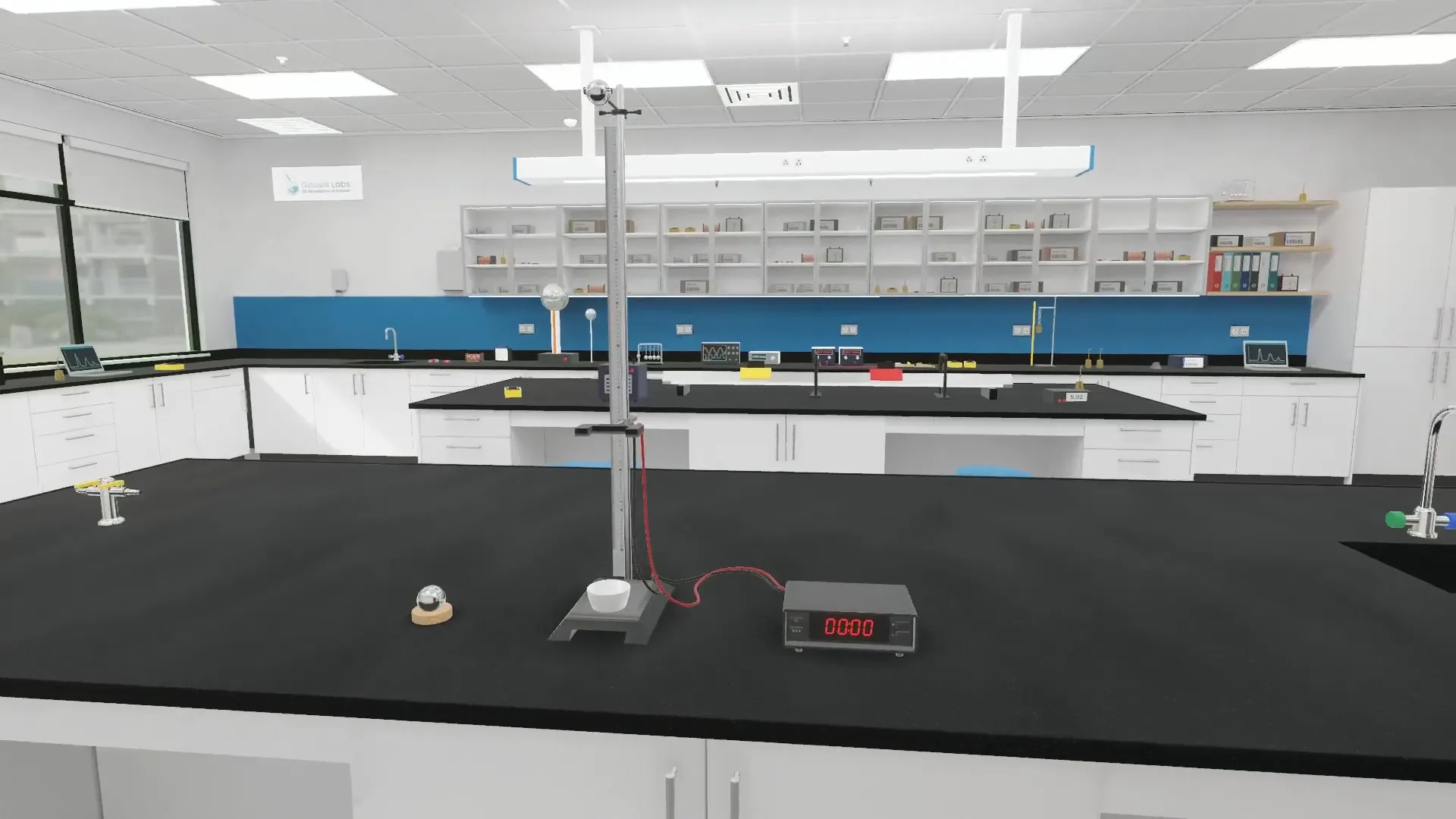
Each subject has a room of its own, lit like a real lab, with the student's bench at the front.



Real results
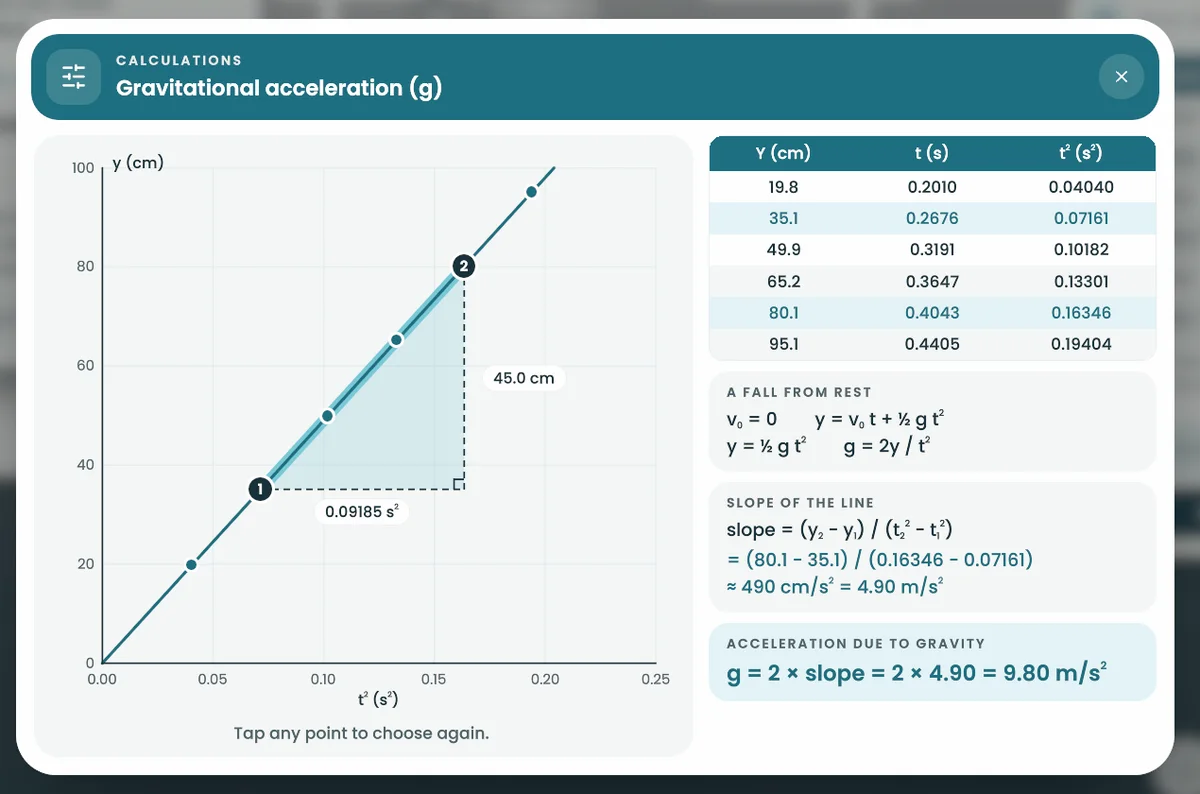
Worked out by the student.
g = 9.80 m/s²
Worked out by the student from the slope of the line through their own readings. The accepted value is 9.81 m/s².
How it works
Every move is the student's own
Four things a student does in every experiment, filmed in the app. The white rings show where they touched.
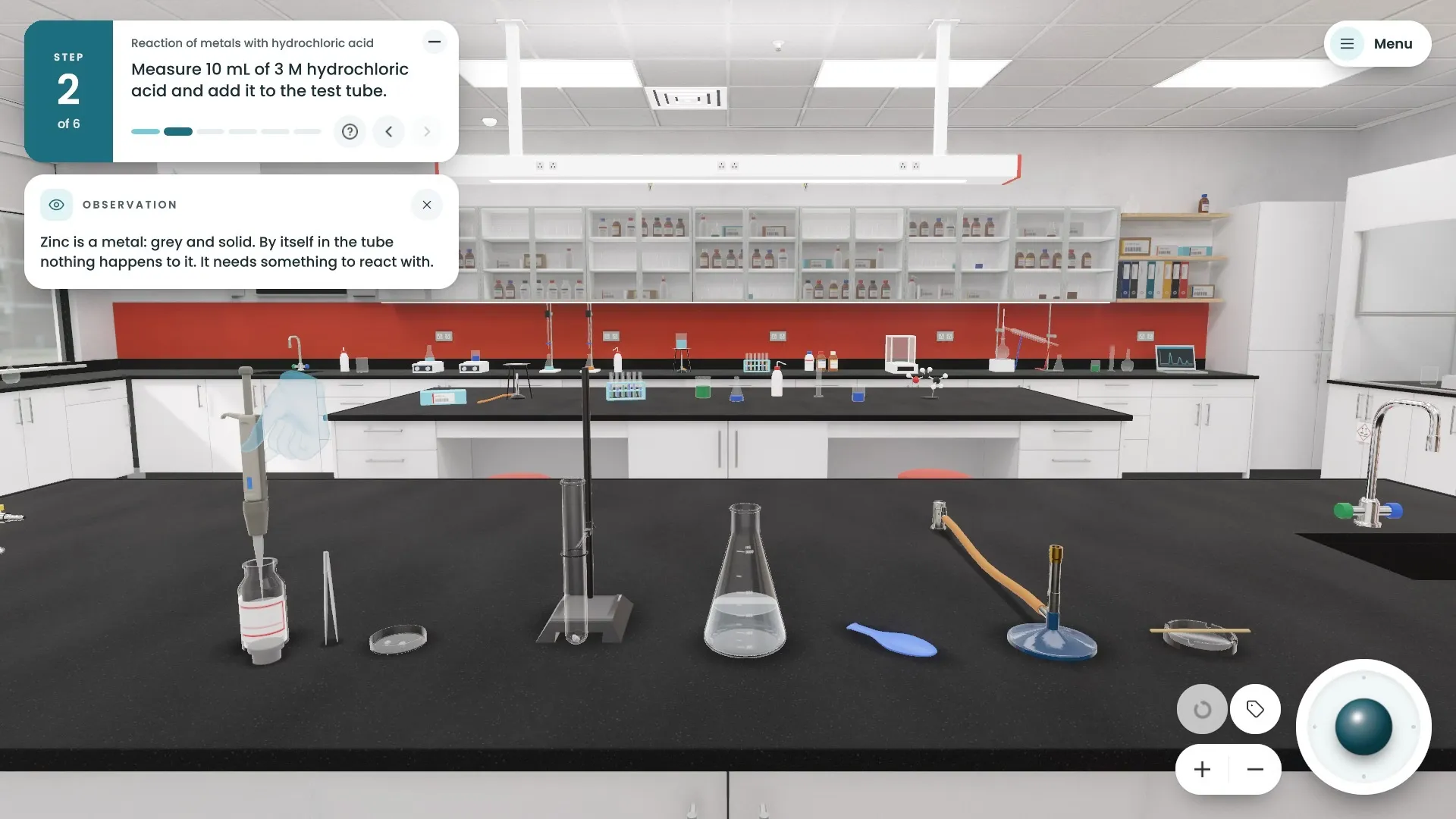
Pick it up, pour it in
Students take the tweezers, the pipette or the dropper in hand and use it where it belongs.
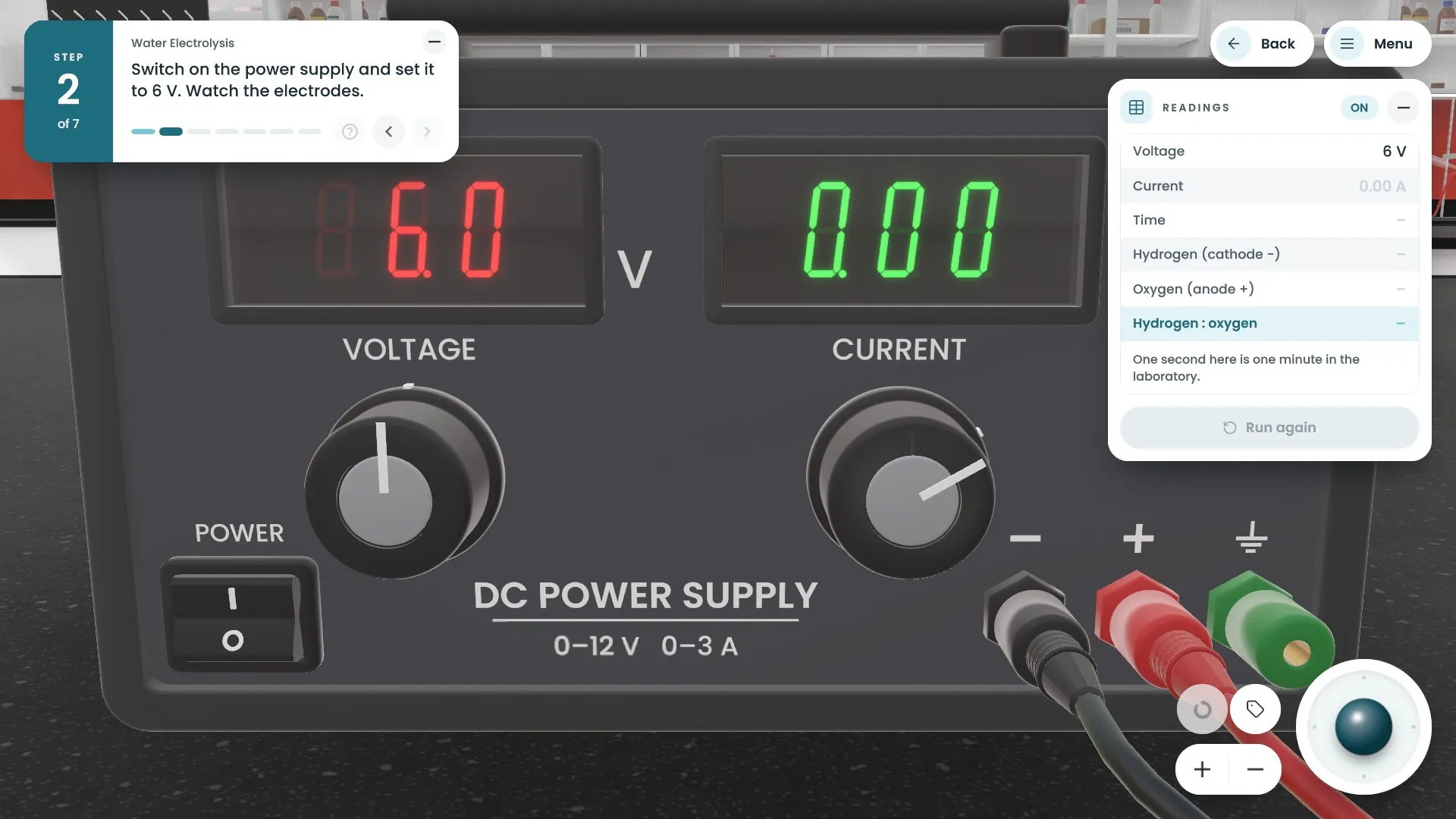
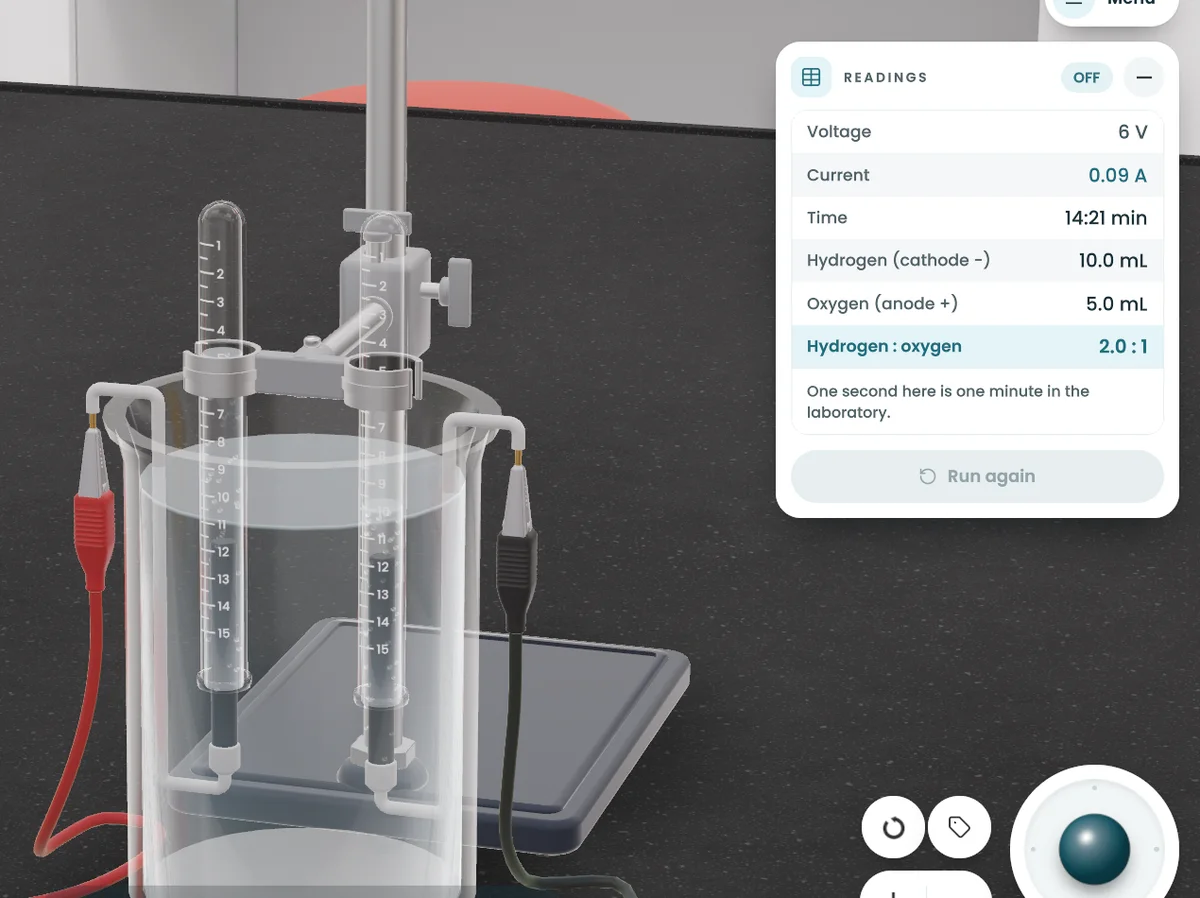
Use the real controls
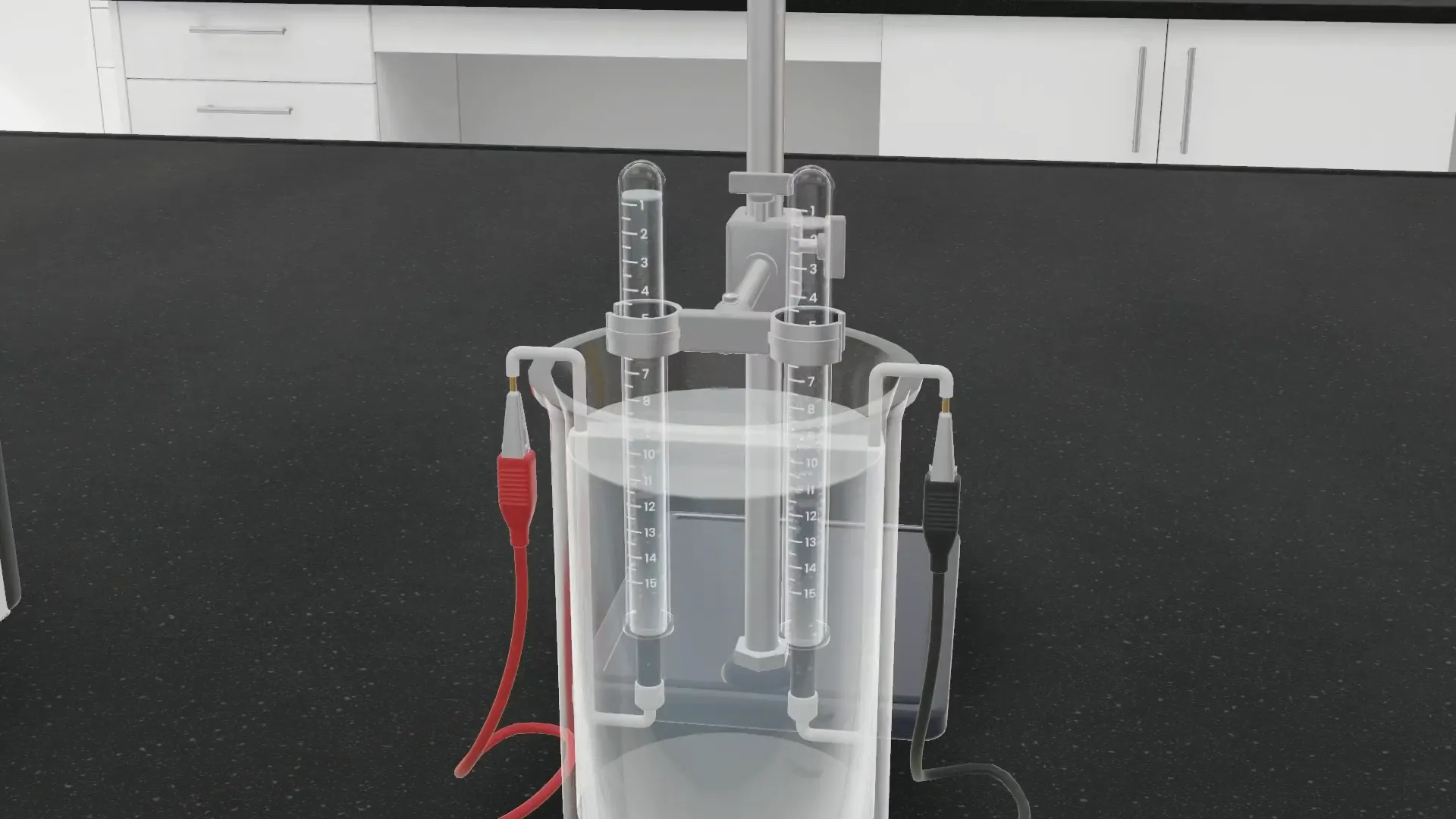
The power supply is switched on at its own switch and turned at its own knob.
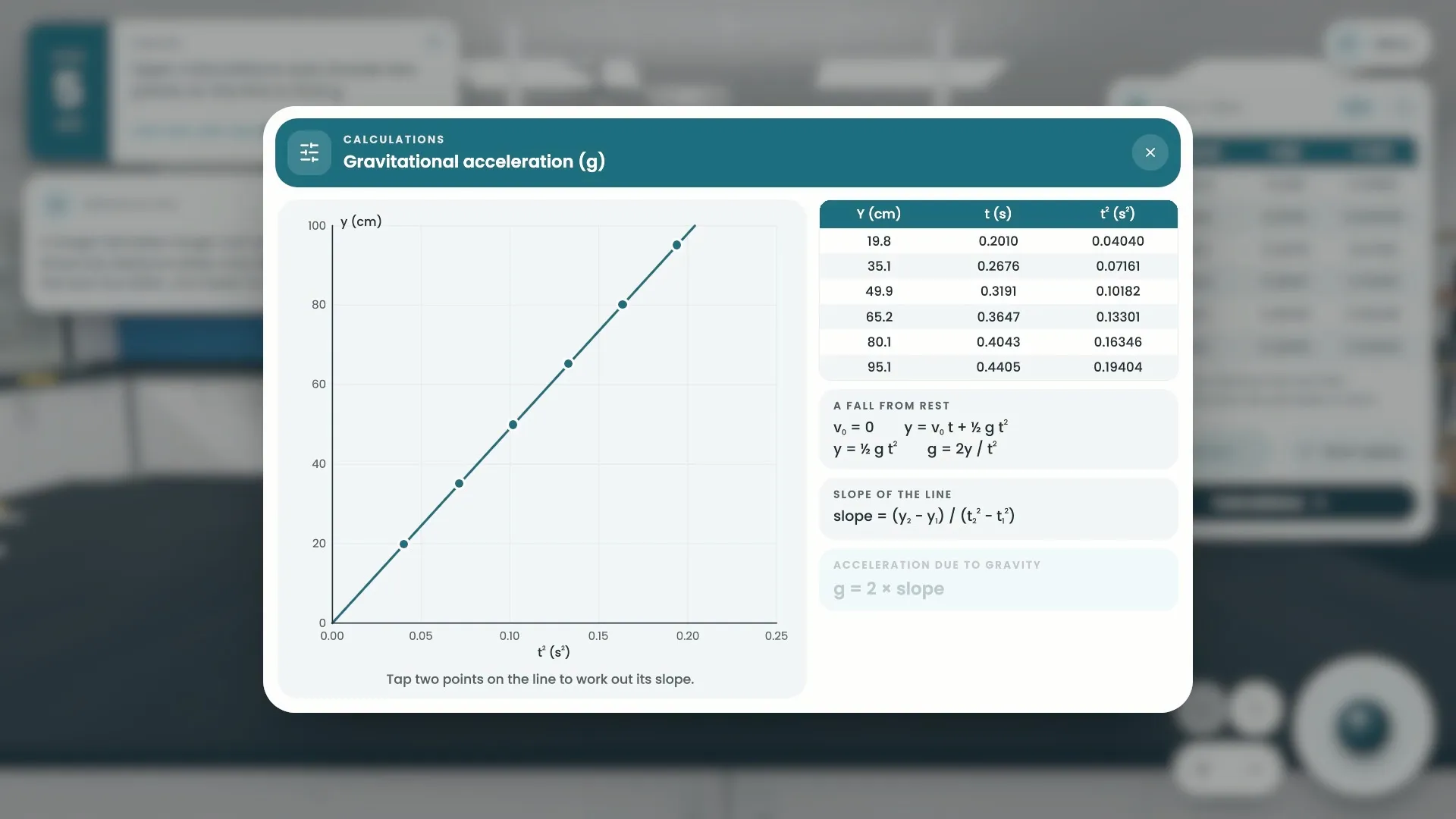
Measure and record
Each reading goes into a table and the graph is drawn from the readings.
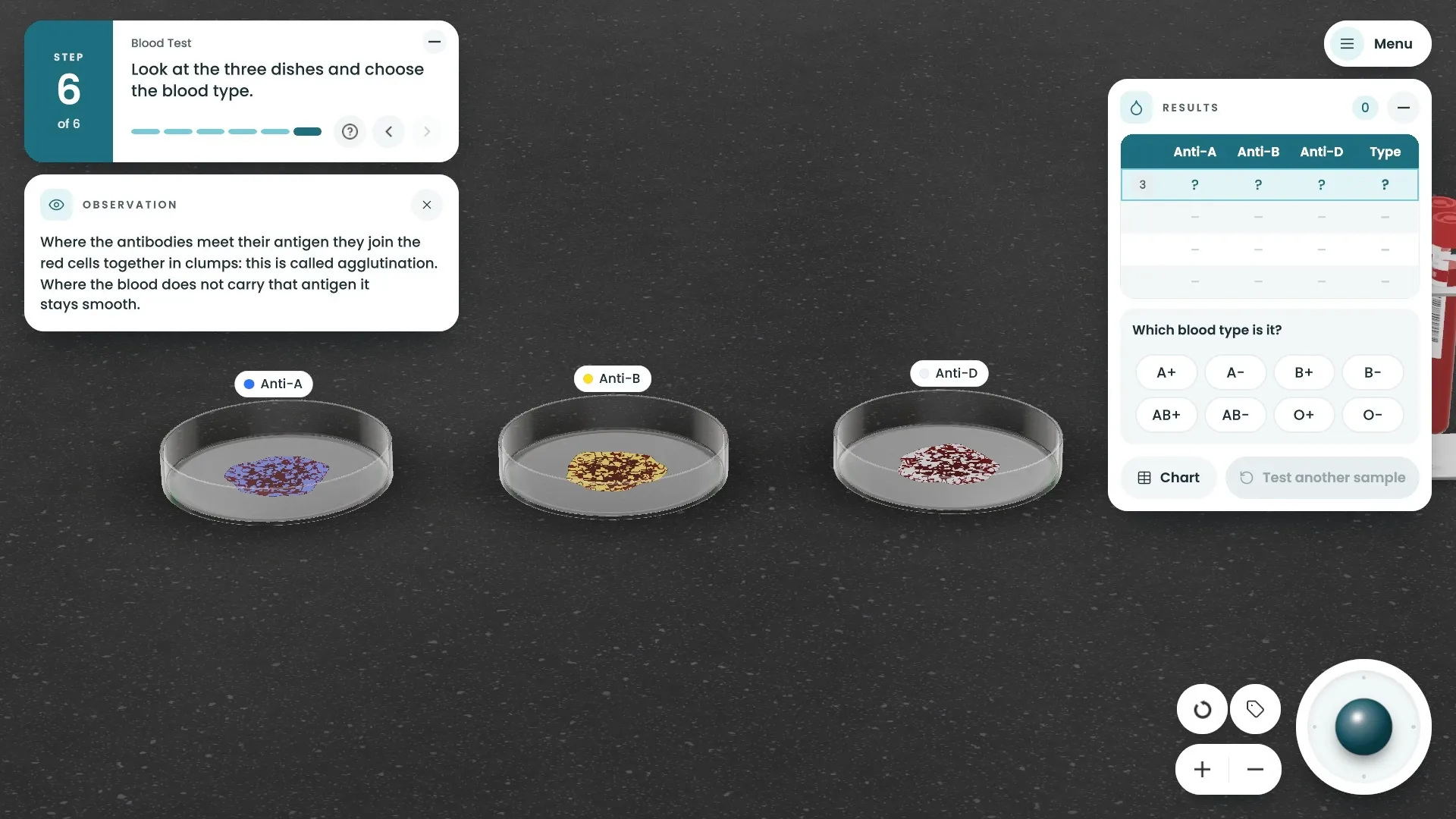
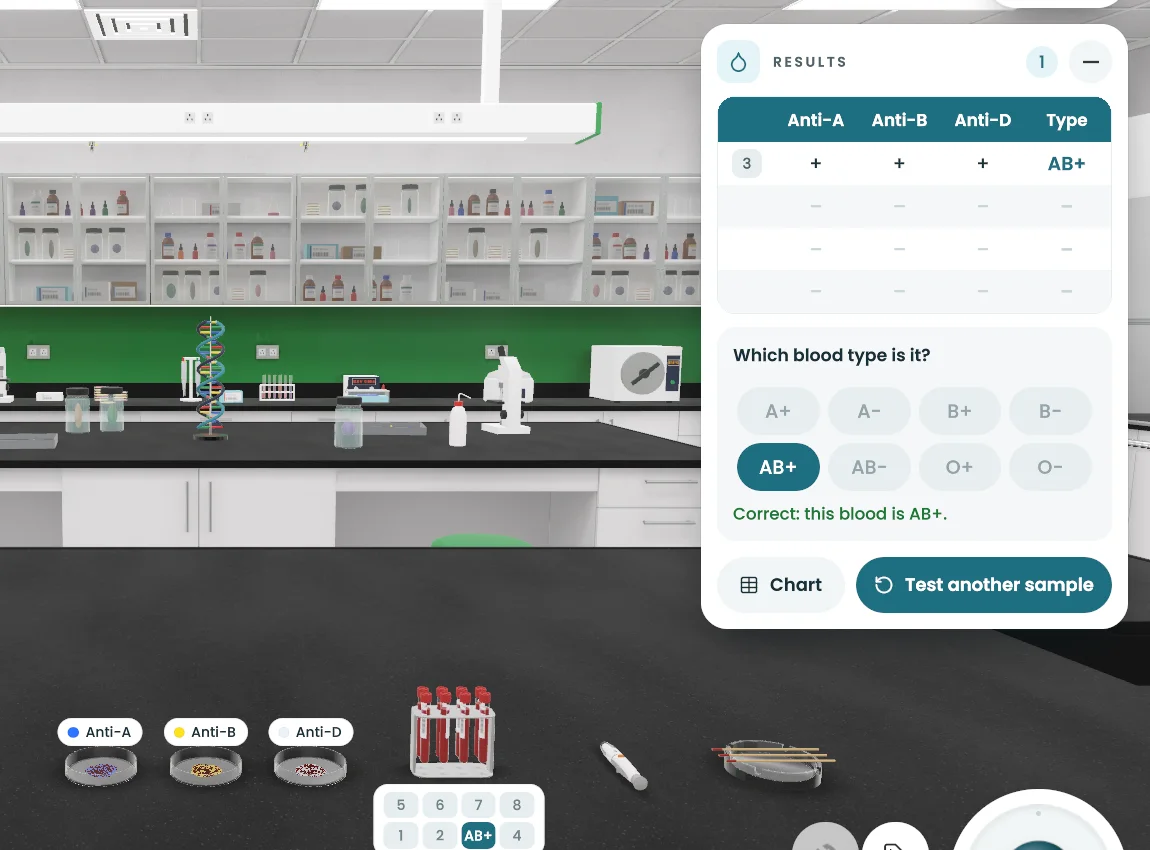
Check what you learned
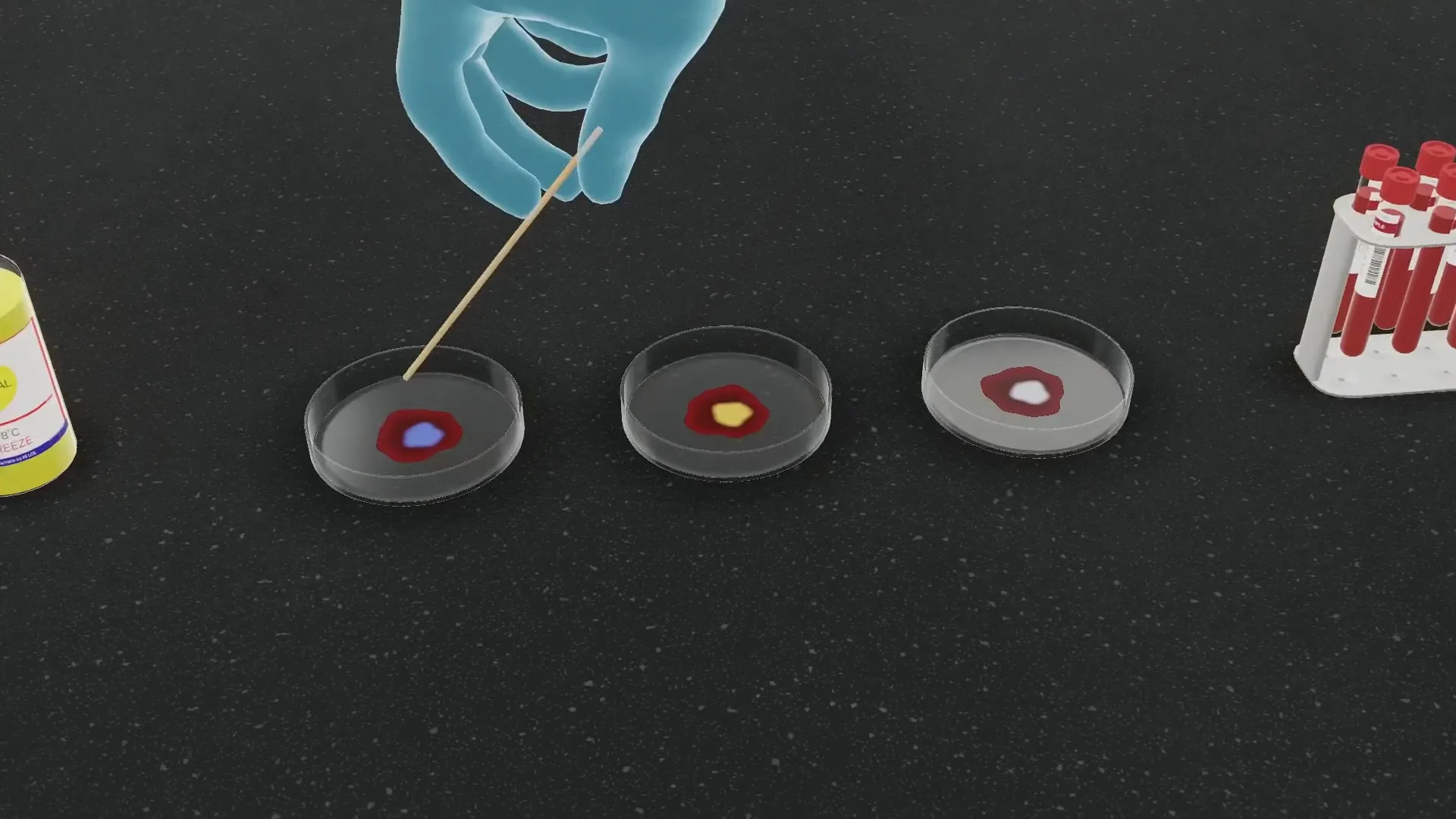
The student reads the dishes and names the blood type.
Explore
Then leave the lab behind.
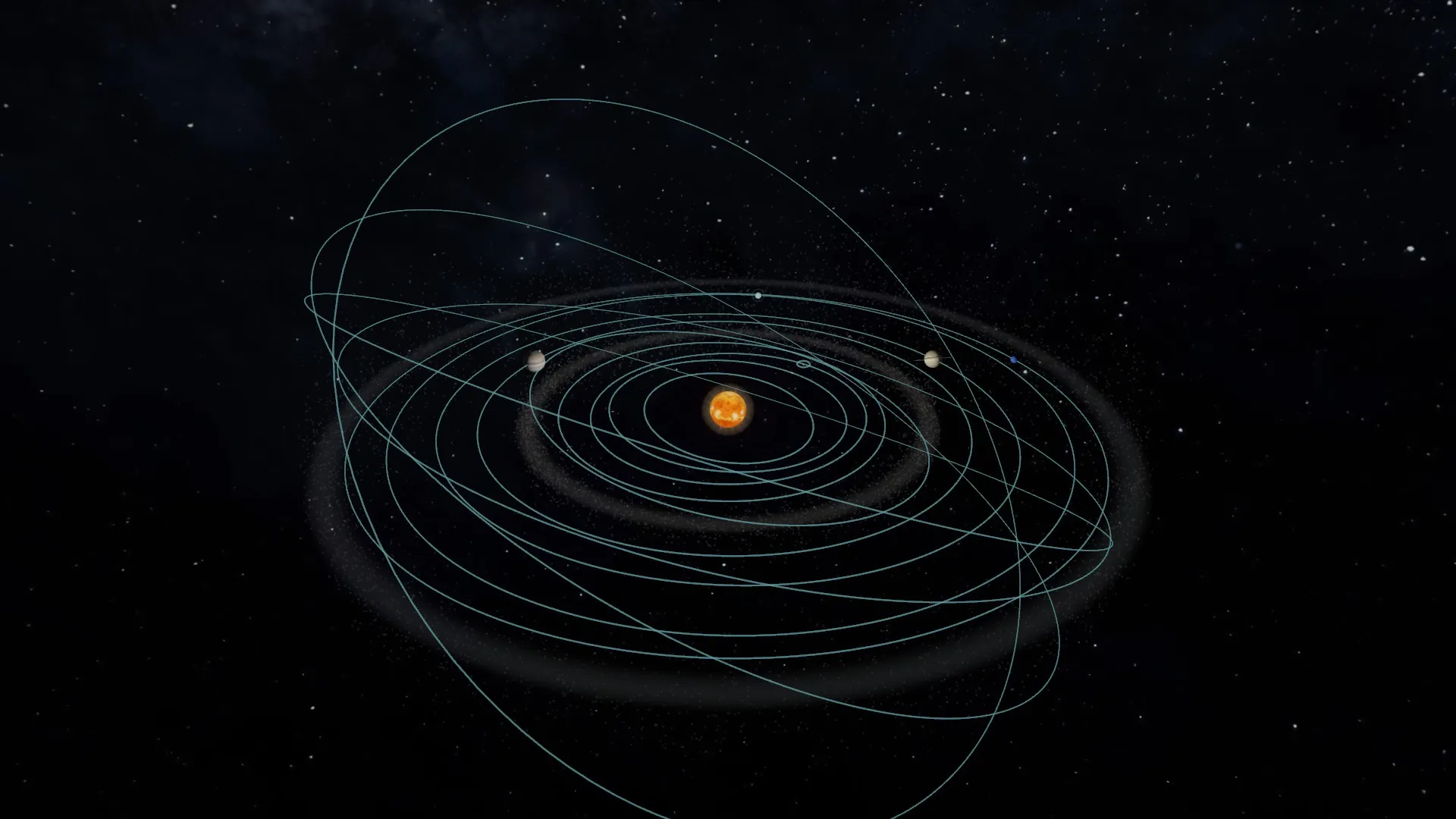
From the Milky Way to the Sun.
Fly between the Sun, the planets and the dwarf planets, compare their sizes, days and years, see real NASA photographs and stand on Mars in a 360° panorama.
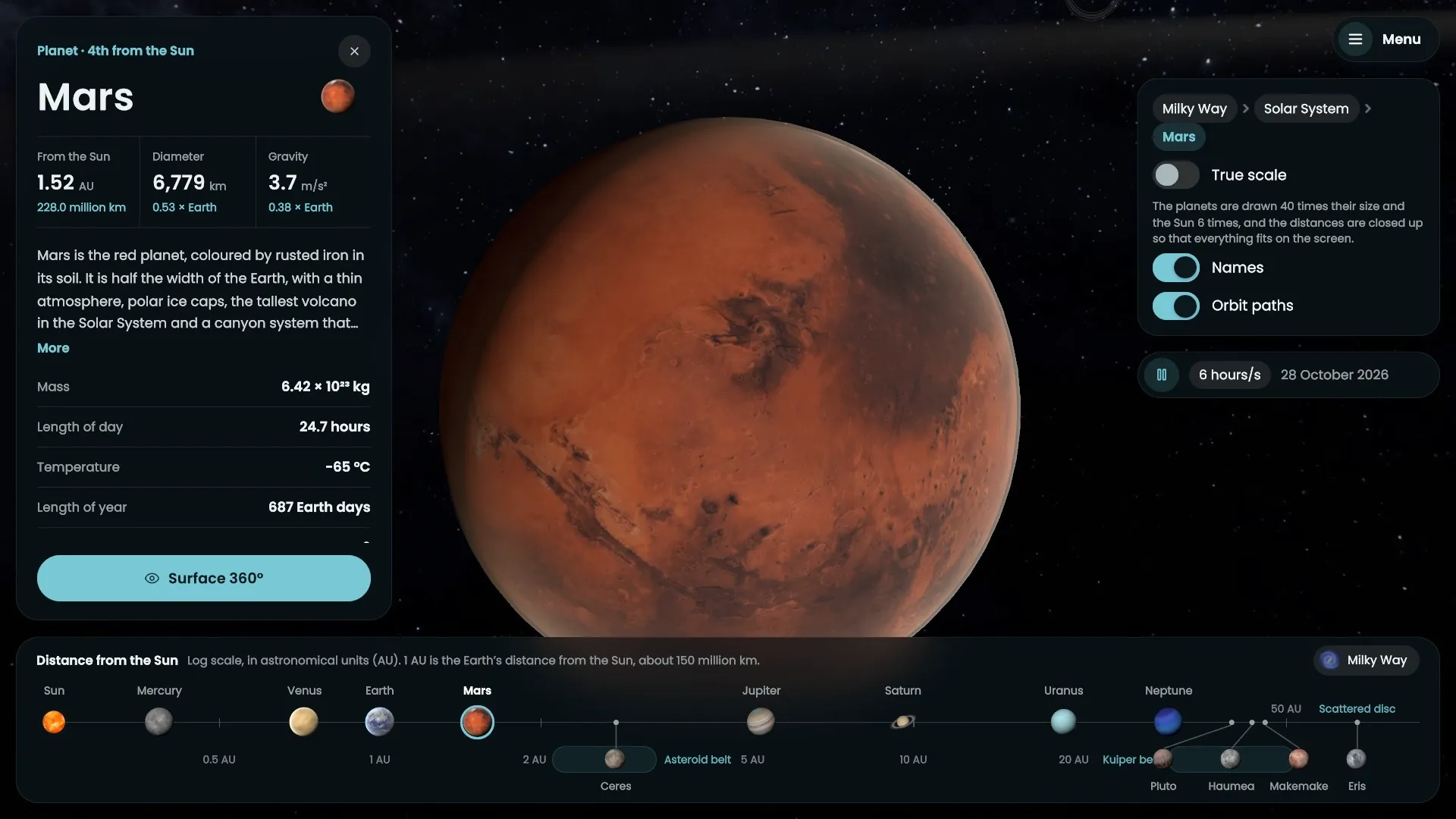
Planet maps: Solar System Scope (solarsystemscope.com), CC BY 4.0, based on NASA imagery. Photographs: NASA. The Milky Way: NASA/JPL-Caltech/R. Hurt (SSC-Caltech).
Where it runs
Built for the board at the front of the class.
Most classrooms already teach from an interactive screen. Gnosis Labs is made for it first, so the whole class can follow one experiment together. The same labs run on tablets, phones and PCs.
For schools
Made for the classroom.
Each experiment explains itself: in two languages, out loud, with help on hand and questions at the end.
Reaction of metals with hydrochloric acid
Place two pieces of zinc in the test tube.
English and Arabic
Every word on the screen and every spoken instruction comes in both languages. Arabic reads right to left.
A voice for every step
What each experiment is for, each step and what each result means are read aloud.
Help when a student is stuck
The lab points out the piece of equipment the step needs.
An exercise after each experiment
Questions on what the student has just seen and measured.
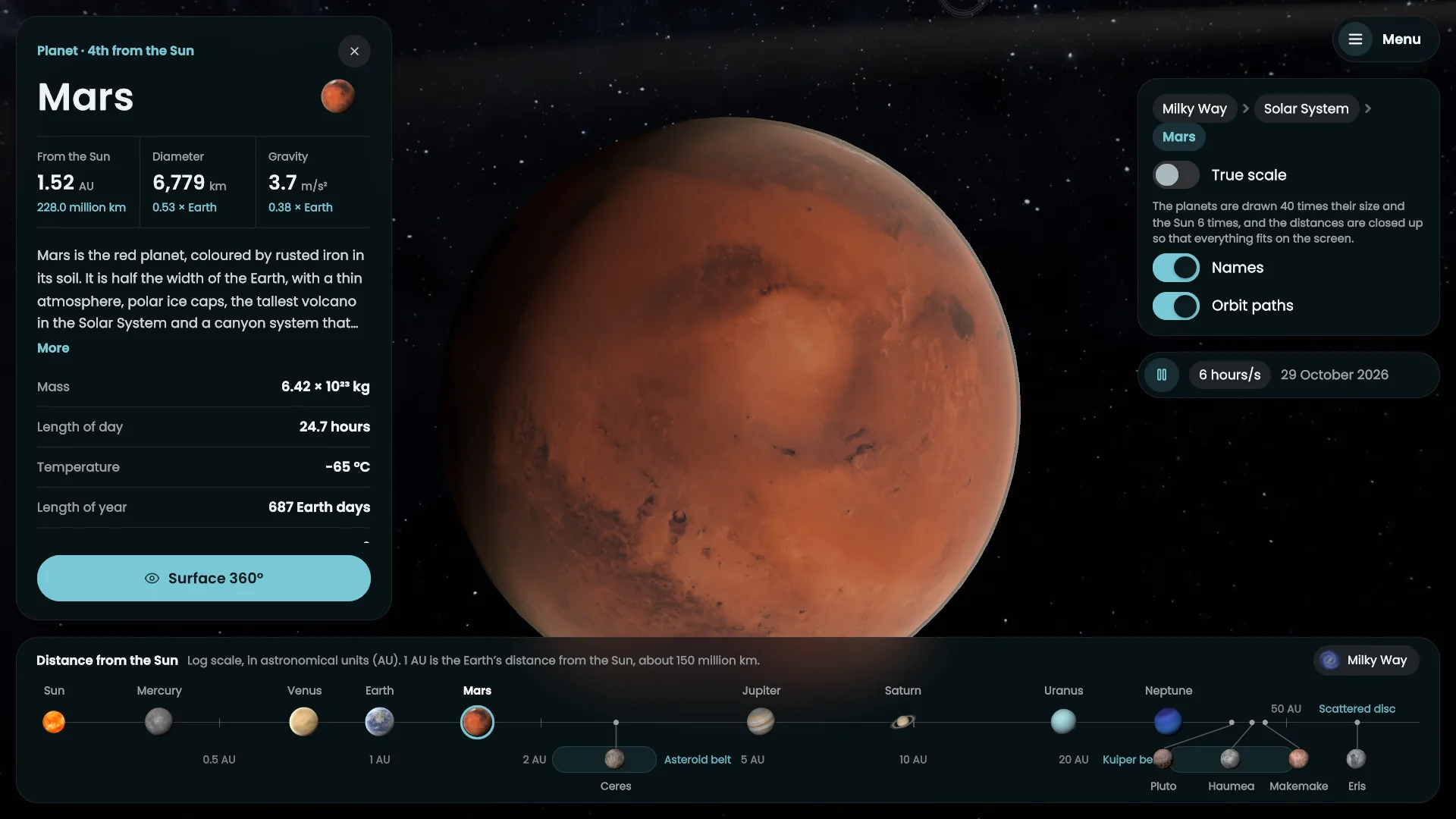
Real photographs of space
The Solar System comes with NASA's own pictures of each world.
More experiments are on the way.
Tell us what your curriculum needs next.
Questions
Frequently asked questions.
What is Gnosis Labs?
Gnosis Labs is a set of 3D virtual science labs for schools. Students step into a fully equipped chemistry, physics or biology lab and set up, run and measure each experiment themselves.
Which experiments are included?
Chemistry has the reaction of metals with hydrochloric acid and water electrolysis. Physics has free fall, and biology has the blood test. Students can also fly through the Solar System in 3D. More experiments are on the way.
Which devices does it run on?
It is made first for interactive classroom screens, so the whole class can follow one experiment together. The same labs run on tablets, phones and PCs, with touch on every device and mouse and keyboard on PC.
Is it available in Arabic?
Yes. Every word on the screen and every spoken instruction comes in both Arabic and English, and Arabic reads right to left.
What does a student do in an experiment?
They pick up the equipment, pour, switch on and measure for themselves. Each reading goes into a table and the graph is drawn from the readings. When a student is stuck, the lab points out the equipment the step needs, and each experiment ends with an exercise.
How can my school try it?
Request a demo with the form on this page, or write to support@gnosislabs.net, and we will arrange a demo of the labs for you and your teachers.
Request a demo
See it in your school.
Tell us about your school and we will arrange a demo of the labs for you and your teachers.
